


How to connect to online meetings
Zoom is an online meeting place; allowing for us to connect to clients remotely, being more efficient and respectful of your time.
How to Join a Zoom Meeting

Step 1
Within the meeting invite from Annex, click the url under “Join Zoom Meeting” or copy and paste the url into a new browser window.

Step 2
Click “Open Zoom.”
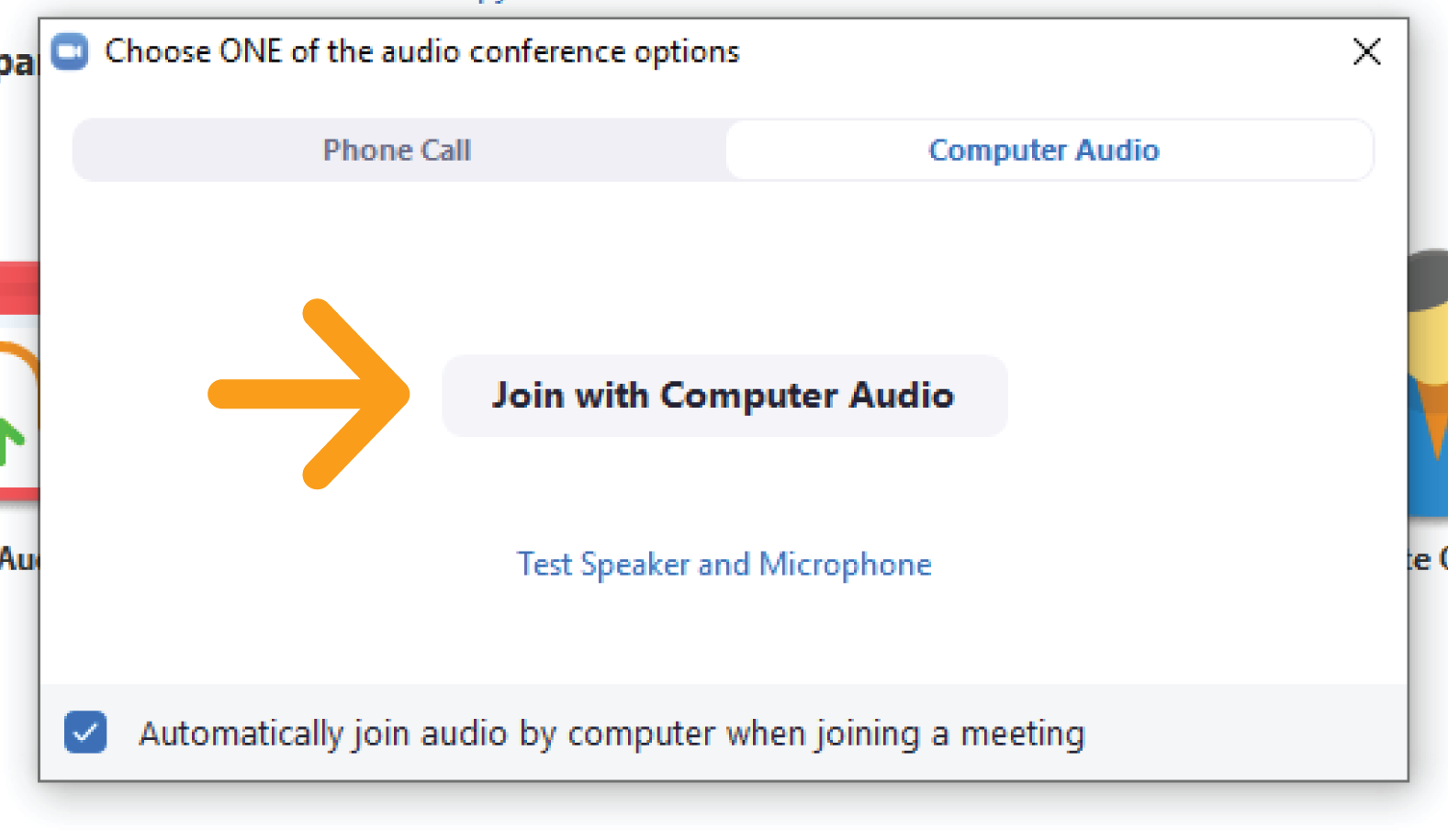
Step 3
Click “Join with Computer Audio.”
Need more help? Click here for training videos.
NOTE: There is no fee to you as the user to access this service. At no time should you add your credit card number or any other request for payment.

Sign Up For The Axiom®
